

Making payments for immigration and travel services is now easier with the India Immi Mobile App. This modern solution caters to international travelers. As part of the expanding India tourism digital platform, the app lets you make secure and efficient payments on iOS devices.
This guide will take you through the entire payment process step by step. You will learn how to access the payment section and receive confirmation after completing a payment for an India e-Visa, urgent processing, or other immigration-related services.
Why Use the India Immi App for Payments?
The India Immi app eliminates the need for manual bank transfers, email invoices, or complicated payment instructions. All transactions occur directly in the app, ensuring:
- Secure, encrypted payment processing
- Multiple international and local payment methods
- Fast confirmation and transparency
- Automatic email receipts for record-keeping
This makes the app a great companion for travelers using the Visit India app or planning their journey through the India tourism app 2026 ecosystem.
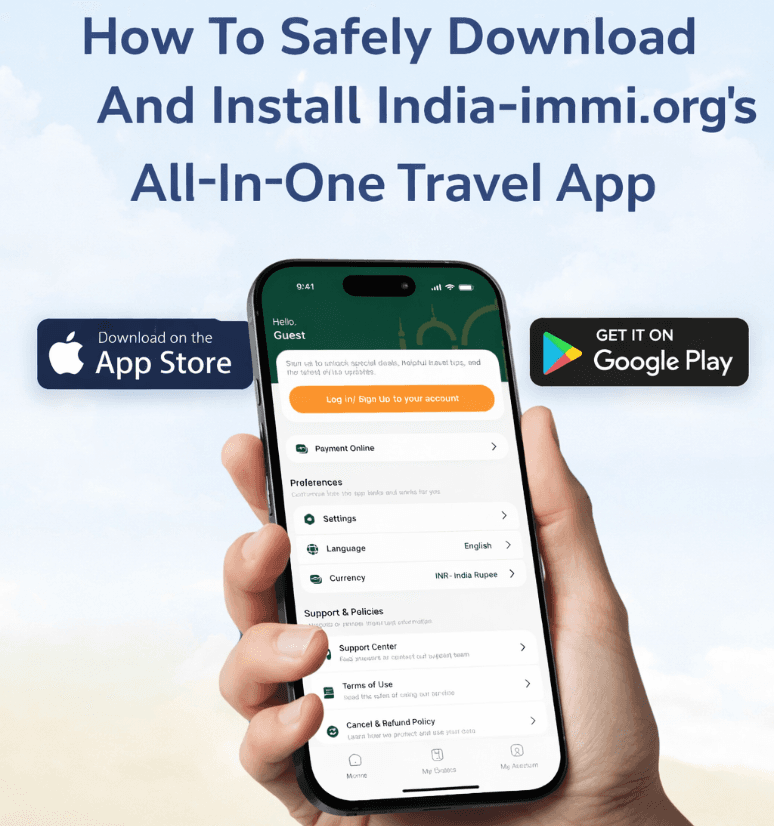
Downloading the India Immi Mobile App
To get started, download the official India Immi mobile app:
-
India Immi app for iOS (App Store) here
After installation, open the app and sign in to your account to access your orders and payment features.
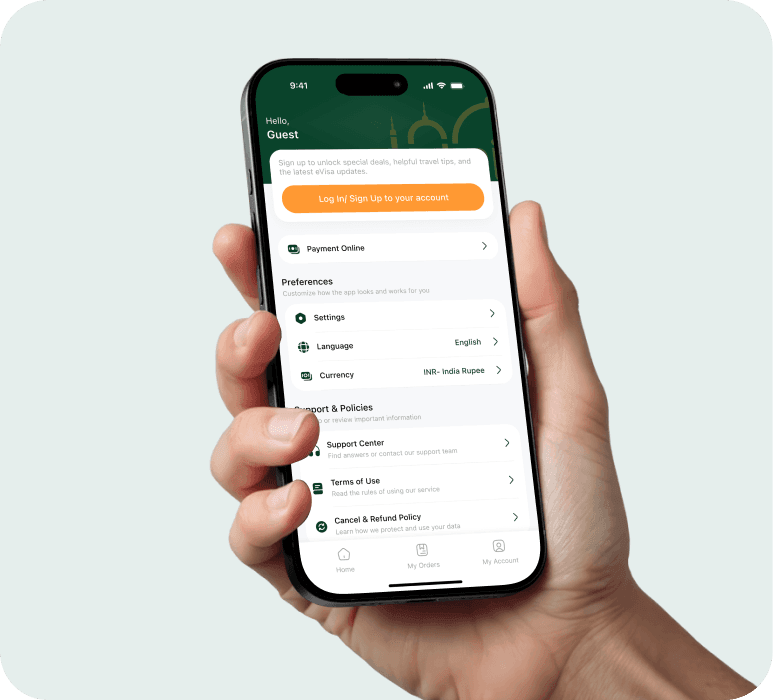
Accessing the Payment Section in the App
Once logged in:
-
Go to My Orders
-
Select Payment Online – Make a Payment
This section is dedicated to handling payments related to visa applications, urgent services, and other immigration-related requests.
Completing the Payment Form
Before you select a payment method, you will need to enter basic details, such as:
- Full name
- Email address
- Order number or passport number
- Payment amount
- Payment description
After reviewing your information, tap Continue to move forward.
Choosing a Payment Method
The app will show you all available payment methods. You can pick the option that best fits your preference, location, and banking setup.
OnePay – Intermediate Payment Gateway
OnePay is the primary payment gateway used in the app. It supports a wide range of payment options, including:
-
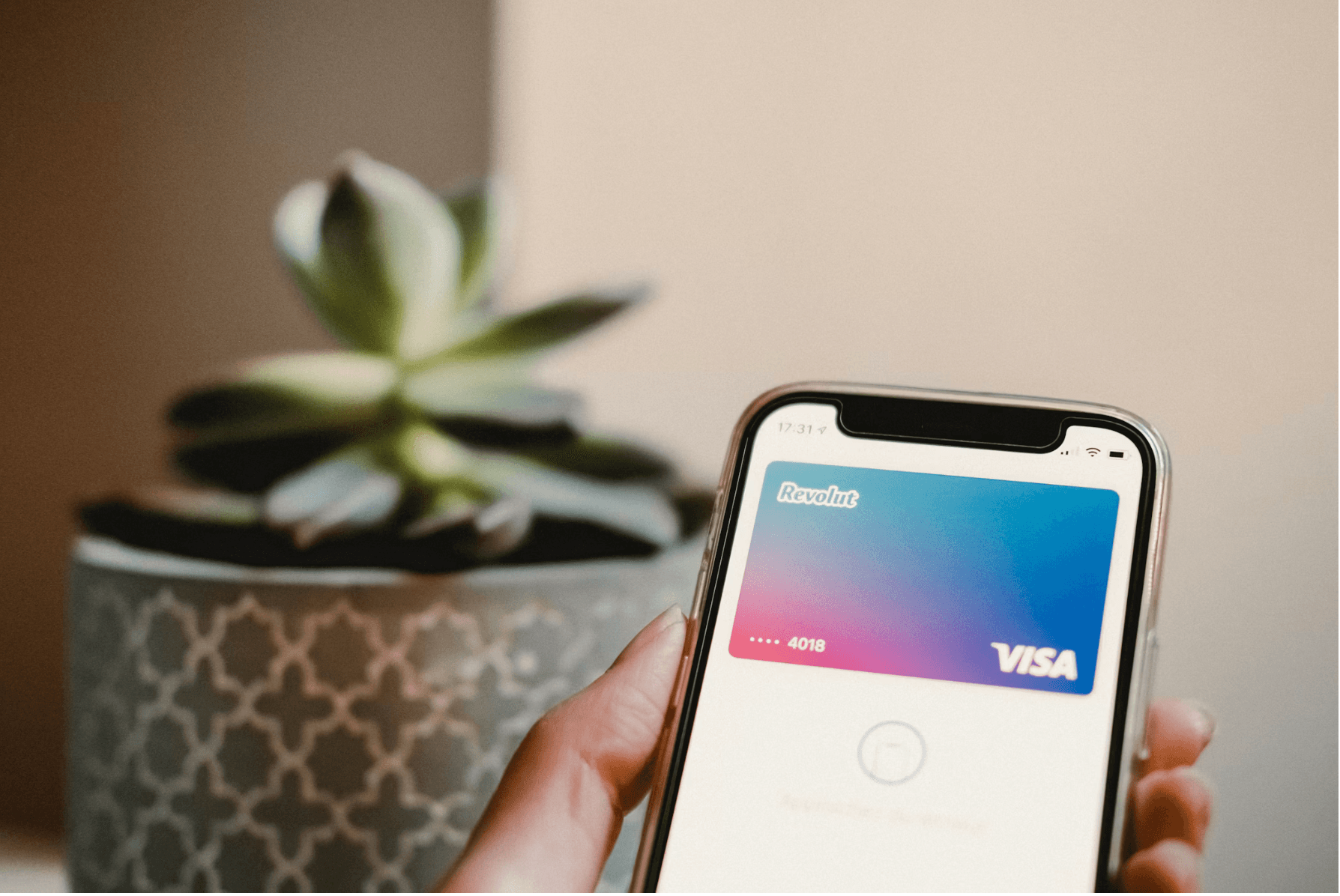
Apple Pay
-
Samsung Pay
-
Credit cards (Visa, MasterCard, American Express, JCB)
-
Debit cards
-
ATM card or bank account payments (subject to bank availability)
OnePay is ideal for users who want fast payments without registering for a separate e-wallet.
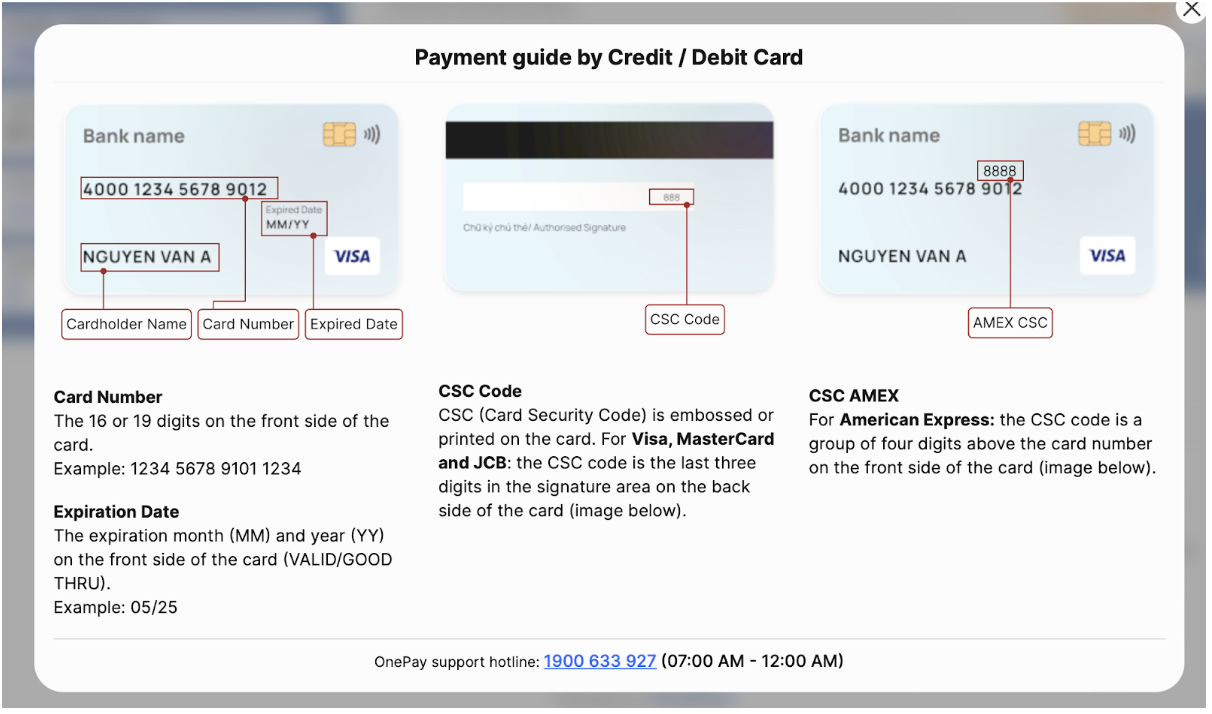
PayPal – A Secure Method for International Payment
PayPal is one of the most trusted online payment platforms worldwide, with over 430 million active users in more than 200 countries. This option allows you to pay with your PayPal balance or linked cards.
Supported cards through PayPal include Visa, MasterCard, American Express, and JCB.
Official PayPal Payment Email:
📧 paypal@india-immi.org
This method is especially suitable for international travelers who prefer additional payment protection.
Stripe – Credit & Debit Card Payment
India-Immi.org also accepts payments through Stripe, enabling customers to pay directly with international credit or debit cards. Stripe uses strong security measures to protect transactions, keeping the payment process quick and simple.
Bank Transfer
If you prefer not to use online card payments or PayPal, bank transfer is available for both domestic (Vietnam) and international clients. You can request detailed bank information.
Payment Confirmation and Email Receipt
Once the payment is successful:
-
A confirmation message will appear instantly in the app
-
A confirmation email will be sent to your registered email address
The email typically includes:
-
Payment reference number
-
Amount paid
-
Date and time of transaction
-
Service description
We recommend keeping this email for future reference or support inquiries.
Tips for a Smooth Payment Experience
- Make sure your card or bank account can handle online or international transactions.
- Use the same email address as your visa or service application.
- Do not close or refresh the app while processing your payment.
- If you do not receive a confirmation email, check your spam folder or reach out to support using your order or passport number.
The India Immi Mobile App is more than just a payment tool. It is a key part of the modern India travel experience. With flexible payment options, strong security, and instant confirmation, managing immigration-related payments is simple, fast, and reliable for travelers around the world.
If you need any assistance, our support team is always ready to help.
NOW! →